Working With a Laptop in Nha Trang and Da Nang: Cafe, Coworking or Home?
The beach is close and your laptop is open. A usable workday still depends on the chair, background noise and somewhere to take a call. Compare actual venues and test a cafe, coworking space or apartment before a long commitment.

Choose for the most demanding hour of your workday
For a couple of hours answering messages, start with a cafe that permits laptop use. For a full day, compare coworking with a home workspace: you need a steady desk, a suitable chair and a nearby socket. If you have several meetings, first check a separate room and whether you can reserve it when needed. In Nha Trang, start with central Stockholm and Smart Space; in Da Nang, consider Seaview, Coworking Danang or SpaceA. Buy a monthly pass after a trial day and a count of the visits you will actually make. For evening shifts, check your specific pass hours, first-entry arrangements and weekends. A tested home setup with a backup venue can be more practical than finding a free cafe table every morning.
| Format | Useful for | Main check | What you pay for |
|---|---|---|---|
| Cafe | Short sessions, reading and messages | Laptop permission, a usable table and power | An order; sometimes a separate workspace surcharge |
| Coworking | Long days, equipment and company | Chair, pass hours and an available call room | A pass or membership; possible extras |
| Home | Regular meetings and your own hours | Quiet during your shift, desk, connection and cooling | Housing, electricity, connectivity and equipment |
| Home + occasional passes | Mostly home, with a backup and a change of scene | The backup venue opens when you need it | Home expenses plus actual visits |
Nha Trang: start with two different options
If you stay in the north, first test somewhere nearby; travel to the centre can erase savings on a membership. For central housing, compare the workspace and apartment at the same working hours. The Russian-language RentViet guide helps build a shortlist, while the prices and restrictions below come from operators.
Stockholm: detailed passes and a separate meeting room
Stockholm Co-working occupies floors 2–4 at 43 Lý Tự Trọng. The detailed list shows 150,000 VND daily, 2,700,000 monthly for a hot desk and 3,000,000 for a dedicated desk. Daily access is 07:00–23:00; the 100,000 four-hour pass covers 08:00–12:00 or 19:00–23:00. A meeting room for 1–4 people costs 120,000 VND per person per hour. Do not assume it is included with a desk.
The contact-page FAQ retains different starting prices: 80,000 daily and 1,500,000 for a monthly desk. Use the detailed pricing section for comparisons and confirm the chosen package before paying. The restaurant downstairs and coworking upstairs offer different visits; buying coffee does not automatically pay for workspace access.
Smart Space: confirm the branch and weekend arrangements
The public Smart Space channel links to northern and southern locations. Its pinned FAQ lists weekdays 10:00–00:00, with weekends by advance arrangement and requests before Friday 21:00. These are pinned FAQ hours; confirm them for your particular branch before planning a late shift.
The operator links to pricing post, published as an image. We do not treat old directory prices as a confirmed current tariff. Ask for single-entry and calendar-month prices, mini-office terms and extras. For meetings, establish which room is bookable, the allowed duration and evening access. Also check whether scheduled events overlap with your shift.
Da Nang: compare access and call arrangements
These three venues let you compare a lower daily price, single-person call booths and a bundle of separate visits. They are examples rather than a quality ranking. Advertised Wi-Fi speeds and reviews cannot replace a test of your work services.
Seaview: a workspace inside a hotel
Seaview Coworking lists 70,000 VND for three hours, 135,000 daily, 550,000 weekly and 2,000,000 monthly. hotel’s workspace page confirms the ninth floor of Waikiki Beach Hotel, 32 Hà Chương, 24/7 operation and a private call room. The workspace host is listed as available 09:00–20:00; the hotel’s round-the-clock reception is a separate service.
Arrange first entry and access under your pass before a late visit. Check room reservations and call duration. Monitor rental is extra: Seaview lists 100,000 VND daily and 1,000,000 monthly; confirm availability. Accommodation bundles have their own terms and promotional periods, so a desk price does not establish a current room rate.
Coworking Danang: two booths for individual calls
Coworking Danang, at 28 Trần Văn Thành, lists 200,000 VND daily, 1,800,000 for ten separate days and 3,000,000 monthly. Its two air-conditioned booths fit one person and are reserved on site; they are not group meeting rooms. Desks are flexible by default, with a fixed desk costing another 1,000,000 VND monthly.
Day passes list access 08:00–00:00; 24/7 access applies to weekly and monthly members. Your first visit must be between 08:00 and 17:00 to set up independent entry. Check booth limits and demand before planning long daily meetings: included use does not guarantee a free booth whenever you need one.
SpaceA: separate visits within a validity period
SpaceA, at 132 Lê Quang Đạo, shows 250,000 VND daily and ten days for 2,200,000, valid for 40 days. Visits need not be consecutive. Listed hours are Monday–Saturday 08:00–20:00; you will need another option for Sunday or late-night work.
The monthly block displays both 3,800,000 and text stating 4,000,000 VND. Confirm the monthly amount rather than choosing one silently. The page also lists four meeting-room hours for that package. Before buying, establish package dates, room-booking rules, charges beyond the included hours and suitability for your particular meetings.
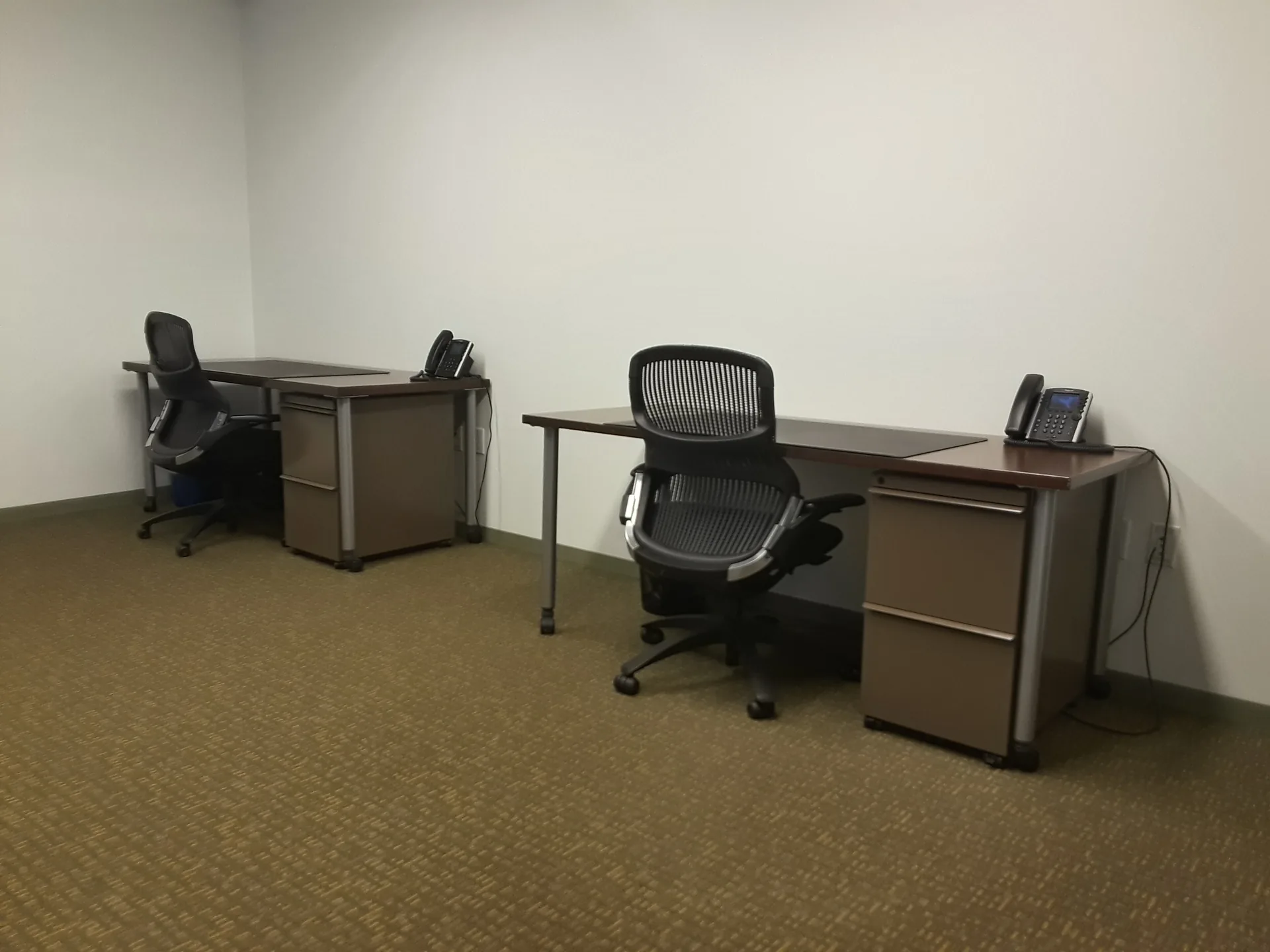
Cafes: agree on laptop use before settling in
A pleasant cafe offers a change of scene, but test its suitability with your actual laptop. Choose a table with space for the device and a drink, open the screen and check glare. Locate a socket before ordering and ask whether staying for several hours is allowed. Avoid the lunchtime rush; when customers need tables, move to a paid work area or leave the table available.
Coffee seating and a paid workspace may be next door
In Nha Trang, Stockholm combines a ground-floor restaurant with separate coworking upstairs. In Da Nang, The Local Beans describes Beans Workspace at 186–188–190 Phan Châu Trinh, with its own work-area packages. That page lists Monday–Saturday 07:00–21:30 and Sunday until 17:30 for the workspace. Coffee-shop hours can differ; confirm the current work-area price before visiting.
For an ordinary table, ask whether an order is sufficient and if there is a time limit. For a separate area, compare the surcharge, included drink, re-entry and food rules. Do not apply an old price list from another branch to your venue. If you only need an hour or two answering messages, a nearby cafe may be more useful than a distant space with many facilities.
Headphones do not create a private office
Headphones help you hear, but other guests can still hear you speak. For calls throughout the day, choose an apartment with a separate room or a reserved office. For an occasional short call, agree on an area where conversation is allowed. Avoid an important meeting on a terrace when traffic, music or wind is already audible in a test recording.
Client discussions and screen sharing require privacy. Check whether neighbours can see the screen or hear speech through the door; a glass partition guarantees neither. Use communication and access tools approved by your employer. An open room or a call-room sign does not establish suitability for every confidential task.
When membership beats individual visits
Count visits you will actually make, rather than every weekday of the month. A work month costs passes or membership plus rooms, equipment, transport and extra orders. Compare the same access hours and desk type. The table contains published base prices only; room reservations, available desks and precise package dates need operator confirmation.
| Venue | Daily | Monthly / other bundle | Comparison limit |
|---|---|---|---|
| Stockholm, Nha Trang | 150,000 | 2,700,000; dedicated desk 3,000,000 | Four-hour windows are separate; meeting room extra |
| Seaview, Da Nang | 135,000 | 2,000,000 | Monitor extra; confirm entry arrangements |
| Coworking Danang | 200,000 | 3,000,000; ten days 1,800,000 | Day pass until midnight; two one-person booths |
| SpaceA, Da Nang | 250,000 | Ten days 2,200,000 / 40-day validity | Mon–Sat until 20:00; conflicting monthly figures |
At Seaview Coworking base rates, fifteen daily visits cost 2,025,000 VND, slightly above a month. At Coworking Danang, fifteen days at 200,000 equal the 3,000,000 monthly price. These are arithmetic comparisons, not promises of identical terms. Weekly and multi-day bundles can change the decision; compare their validity with travel and days off.
An illustrative cafe budget: two drinks at 50,000 VND across 20 days cost 2,000,000 VND. This is a calculation method, not a particular venue’s menu. If you need a meeting room for two hours on ten days, add 20 hours at its confirmed rate. Even a cheap desk can be expensive for someone who spends most of the day talking.
At home: test the room before a long rental
Home working removes the commute and lets you keep your own monitor. But a desk in a listing may be a narrow dressing table, with a chair unsuitable for eight hours. If you are still choosing a base, compare everyday conditions in the city comparison guide, then test the individual apartment.
Spend a work session at the desk
Set out your laptop, mouse and charger, checking legroom and arm position. Can you move the chair close enough, fit a monitor and manage daylight glare? Does the air conditioner blow directly at you? Establish equipment costs, delivery and the landlord’s permission for changes before relying on a future upgrade.
See the workroom during your meeting hours. Ask about building work nearby, listen to street noise with windows closed and test the door. In shared accommodation, agree where other people can relax during your shift. Regular night calls need a room that does not carry conversation through the whole apartment.
Include connectivity, electricity and a backup
Establish who owns the router, whether other apartments share the connection, whether a cable is possible and who fixes faults. Test at your desk, not just by the entrance. Ask about electricity rates, metering, round-the-clock cooling and permission for a separate connection. The rental-risk guide covers checks to make before committing.
Choose a backup coworking venue before an outage: establish walk-in access, travel and opening hours. Test mobile internet in the same room with the same laptop and work app; tethering must actually work. The SIM and internet guide explains SIM and data options. Do not buy a second connection solely on advertised speed.
A trial day: test real tasks, not one speed figure
Visit during your future shift and stay several hours. Record the particular desk, time, price and problems. Use the same tasks at each venue so the comparison is more useful than a brief visit to an empty room.
Connection and power
Open your work sites, connect any required VPN, upload a normal file and try a video meeting with screen sharing. Check upload performance and stability: one successful speed test does not describe a busy evening. Repeat a short meeting around your demanding hour and note interruptions, delay and sound quality. Those notes describe your visit rather than a permanent venue ranking.
Ask specific backup questions: is there another connection, what keeps working during a power cut and who can help during your shift? A generator claim needs clarification about the router, desk sockets and lighting. Keep your laptop charged and test switching to mobile data before an important meeting.
Call-room access and package terms
Ask to see an available room, its reservation process and session limit. Test inside with the door closed, checking ventilation and power. Find out what happens if both booths are occupied when your call begins. Several hours of daily conversation can favour a prearranged office over relying on a queue.
Before monthly payment, save the terms: start and end, calendar month or number of days, weekends, first entry, re-entry, pauses, transfers and refunds. Check taxes, drinks, lockers, monitors and meeting-room charges. Availability and tariffs change. Renting a desk addresses premises; immigration, working and tax arrangements require separate checks for your circumstances.
Before paying for a month
- A trial day matches your shift; the desk and chair work for you.
- Your calls are permitted; the room, reservation and charges are confirmed.
- Work apps, video calls, power and mobile backup have been tested.
- First entry, evening hours, weekends and re-entry are confirmed.
- Validity, transfers, refunds and all extras are saved.
- Actual visits, transport, rooms and equipment are included in the cost.
Planning to work from an apartment?
Check noise, internet and utility charges before paying a deposit. Make a usable workspace part of your housing requirements from the start.