Food Delivery in Vietnam: Place Your First Order
The address, rather than the dish, often makes a first food order in Vietnam difficult. The driver needs to find your hotel entrance or the right condominium tower, and you need to stay reachable until handover. In GrabFood and ShopeeFood, set the delivery location before choosing a restaurant and filling your basket. A menu price is not the total: delivery, service charges and paid options can be added separately. Vouchers and foreign cards also affect the calculation. Here is the first-order sequence, short driver messages and what to do if food goes to the wrong place or an item is missing.
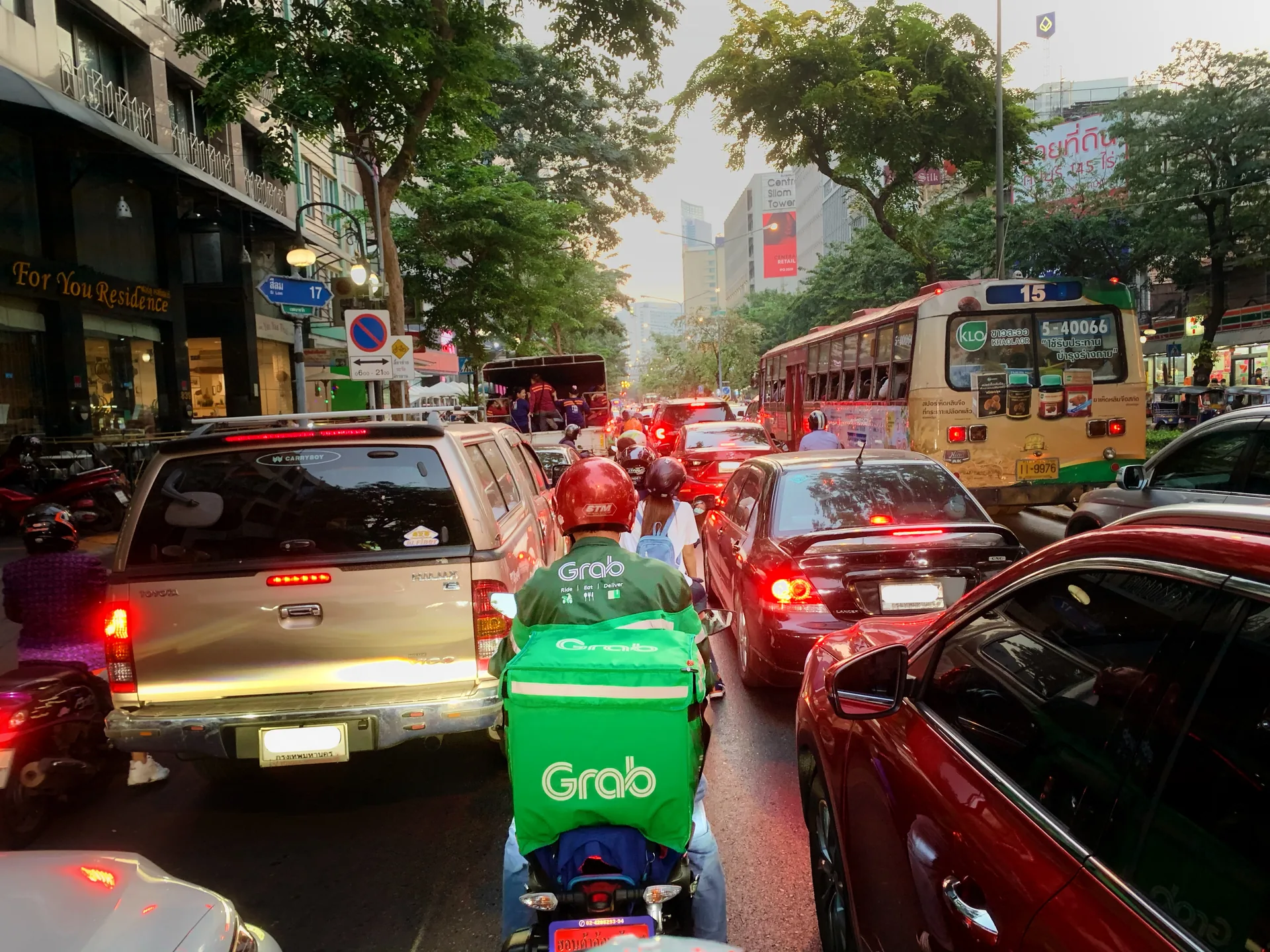
Make the first order a simple delivery to your entrance
Order after checking in, when you know the building entrance and can meet the driver. Start with one restaurant and a straightforward meal, allowing time for preparation and travel. Ask the hotel where deliveries are received and whether reception can accept a bag. A room number alone is not a delivery address. Settling connectivity, the meeting point and payment before choosing food makes the final checkout much easier.
| Option | When it is useful | What determines whether you can order |
|---|---|---|
| GrabFood in Grab | You already use Grab and want food in the same app | Restaurants and delivery available for your address now |
| ShopeeFood / ShopeeFood within Shopee | You want to compare menus and the full quote with Grab | Your address, usable account, restaurant and payment choices |
| Direct restaurant order | A familiar venue has an official ordering channel | Confirmation of address, delivery price, payment and timing |
1. Find a service for the exact address
Da Nang is listed in the GrabFood ordering guide; Nha Trang appears in Grab’s Nha Trang launch announcement, with city restaurants in GrabFood’s Khánh Hòa catalogue. The ShopeeFood operating-area map identifies Da Nang and Khánh Hòa (Nha Trang) operating zones. This establishes city presence, not delivery of every dish to every hotel. Enter the address and see which restaurants accept orders at the required time.
An empty list does not always mean the service is absent from the city. Check the selected city, map pin and restaurant hours. If your address is outside the delivery zone, do not substitute a nearby eligible address hoping to negotiate later: the driver receives a different location and pricing is calculated for it. For a remote hotel, consider direct ordering or reception assistance.
2. Sign in and make yourself reachable
Install the customer app from an official store: Grab Driver and Shopee Partner serve different participants. Sign in to an existing account or follow registration prompts using your own number and correct country code. The phone must receive required verification messages and remain reachable during delivery.
The login number and the number that can receive calls
The Grab sign-up explanation describes phone registration and a one-time code. If the code does not arrive, check the country code, number and SMS reception; wait until a repeat request is allowed. A data-only travel eSIM does not provide ordinary call and SMS reception. When choosing your SIM and app setup, check separately whether the package includes a number and those functions.
For orders within Shopee, Shopee’s account-linking instructions describe linking ShopeeFood and matching phone numbers. That guidance concerns this particular ordering route. Do not approve a link to someone else’s or an old number. If the driver cannot call the account number, provide a reachable contact in the appropriate field beforehand and use the order chat.
The app language does not translate every dish
The Grab App Store listing lists Russian and English for iPhone. Choose an available language you understand in app or phone settings; restaurant menus and messages may remain Vietnamese. Useful ShopeeFood labels are Địa chỉ — address, Giao hàng — delivery, Thanh toán — payment, Đặt đơn — place order, and Hủy — cancel.
A translator can help with descriptions, but a photograph does not establish ingredients, portion size or every extra. Do not rely solely on a meal photograph or the word combo. If an ingredient restriction is essential, obtain the restaurant’s answer before ordering; a basket comment does not itself confirm the request will be followed.
3. Put the pin at the entrance, then complete the address
Get the Vietnamese address and building name from your hotel or landlord. Find it in the app and zoom in: the pin should match the handover location, rather than the centre of the complex, an adjacent street or your position inside the apartment. Save the correct address before restaurant selection. The GrabFood ordering guide explains that restaurant options depend on the delivery location.
Add the tower, entrance, floor or room where needed for handover. The full postal address and map pin complement each other; a long note cannot fix the wrong selected destination. After changing hotels, check the address again: your saved home may still be the previous property.
A message for a hotel or condominium lobby
Try: “Please meet me at the main lobby of [building name]. I will come downstairs. Please message me when you arrive.” In Vietnamese: “Vui lòng giao tại sảnh chính của [tên tòa nhà]. Tôi sẽ xuống nhận. Vui lòng nhắn tin khi đến.” Replace the brackets with your building’s name.
If there are several entrances, add a distinctive landmark or an entrance photograph through available order chat. Do not promise access to your floor without agreeing it with security. Reception can accept the food only with staff agreement; give the recipient name and tell them a delivery is expected.
4. Build the basket and separate kitchen and driver requests
The GrabFood ordering guide sequence is address, restaurant, dishes, a note and completion. The Shopee guide to placing a ShopeeFood order lists restaurant and dish selection, Giao hàng, vouchers, an available payment method and Đặt đơn for the Shopee route. Screens may differ; before the final button, understand the basket contents, address and total.
Check portions, size, required selections and extra prices. A drink pictured with the meal may not be included. For the first attempt, choose items whose descriptions answer those questions rather than building a complicated order from assumptions. If self-collection is offered, confirm that delivery is selected.
What belongs in a restaurant note and a driver note
A kitchen request concerns the food: “No chilli, please” / “Không cay” asks for non-spicy food. A driver request concerns handover: entrance, lobby, contact and change. Use separate fields where provided. A delivery note is not a reliable way to change a recipe.
If an item is unavailable, agree a specific replacement and price difference through the provided contact. Do not place another order before understanding the first order’s status. Adding an item by message afterwards is not the same as changing the basket: preparation may already have started.
5. Read the complete bill and choose an available payment method
Compare baskets after vouchers are applied rather than headline discounts. The Grab fee schedule lists a 4 000 or 6 000 VND service fee depending on the merchant model, and a 2 000 or 3 000 VND small-order fee depending on area. Priority delivery has a separate charge. Not every line necessarily applies to every order: the actual combination is shown before confirmation.
Distinguish a voucher minimum, a small-order threshold and a restaurant condition. A voucher may not apply to the selected venue, payment method or basket. Free delivery does not promise the absence of other charges. Compare the total with your original order before adding unwanted food just to obtain a discount.
Cash, cards and local wallets
Grab cash payment is selected through Payment method / Tiền mặt, as described in the GrabFood ordering guide. Prepare the amount in dong; tell the driver beforehand if you only have a large note. In ShopeeFood, choose only a method available for your order. Installing the app does not automatically make a local e-wallet usable.
The Grab card payment help says most international cards are supported, without guaranteeing a particular bank’s card. For a Russian or other CIS-issued card, overseas functionality and actual platform acceptance matter more than account currency. If the card cannot be added, select an available alternative before placing the order.
The Grab card payment help states that Vietnam payments using a card issued outside Vietnam incur a 4% fee including VAT on the final amount excluding tips. Review the total after selecting the card. If the order has already been paid, do not pay its full value again to the driver; first check payment method and status in the app.
| Line | Amount | What to check |
|---|---|---|
| Food | 80 000 | Portions and all selected extras |
| Delivery | 12 000 | Charge for your address |
| Service fee | 4 000 | Whether it applies to this basket |
| Applied discount | −10 000 | Whether it appears in the calculation |
| Example total | 86 000 | Excludes extra options, tips and foreign-card charges |
The example is 80 000 + 12 000 + 4 000 − 10 000 = 86 000 VND. The 12 000 delivery charge is invented solely to explain the calculation, not promised for Nha Trang or Da Nang. Take your own final amount from the screen after selecting payment and all options.
6. Confirm the order and stay reachable
Before pressing Đặt đơn or the order button, check the address, delivery instead of collection, dishes, amount and payment. Afterwards, open the current order and confirm it exists. If checkout freezes, check history and payment first: blindly submitting again can create two separate orders.
Follow the status and restaurant or driver messages. An estimate does not promise arrival at a particular minute; allow for preparation, driver assignment and travel. Do not place your first order immediately before leaving the hotel. As the driver approaches, go to the agreed meeting point and keep your phone accessible.
Check the bag before putting the order away
Compare restaurant name, bags, drinks and paid items. Inspect packaging; for missing food or damage, photograph the complete received order and its label if present. Do not publish the phone number or address from that label in a public review: support needs those details, other readers do not.
“I am at the main lobby now” / “Tôi đang ở sảnh chính” confirms your location. If you are at different entrances, send a specific landmark rather than just “I’m here”. Meet in a safe place instead of looking for the driver in the road.
Cancellation, missing deliveries and incorrect orders
Open the specific order first rather than a general delivery discussion. A delay needs the current status and latest message; a missing item needs its name and photographs. Messaging the driver does not itself guarantee a refund: the outcome depends on status and review of the request.
Cancellation may stop being available once preparation starts
The GrabFood cancellation policy limits cancellation requests to before preparation or delivery statuses and provides an eligibility check through contact/help on the order screen. The ShopeeFood cancellation guidance explains that Hủy may be disabled once the restaurant confirms and prepares the order or the driver is delivering it. “I changed my mind” is not cancellation confirmation.
Check that the status has actually changed to cancelled and save the result. Cancellation and refund are separate stages. The same ShopeeFood guidance gives card refunds an indicative 7–14 working days after platform refund processing, depending on the bank; do not rely on immediately spending that money on a replacement order.
Where to send a report
For Grab, open help from the relevant order; the GrabFood help section covers missing items, damaged food and an undelivered order. For ShopeeFood within Shopee, the ShopeeFood complaint instructions gives: ShopeeFood → Đơn hàng → Chi tiết đơn hàng, then “?” for an order being delivered or “…” for a delivered order. It also lists cskh@support.shopeefood.vn.
Provide the order number, time, what was paid for and what happened. Attach bag and contents photographs where useful and state the requested outcome: investigate delivery or consider a refund for an absent item. Use the official section or published support contact rather than a third-party account linked in someone else’s message.
When ordering directly from a restaurant is easier
A direct channel can help if a restaurant accepts your language or the app does not serve your address. In Da Nang, Vinegrette’s ordering page shows a menu, home delivery or restaurant collection, phone and address fields, payment on receipt and a Zalo contact. This is a specific ordering option; confirm delivery cost and acceptance of your exact address with the venue beforehand.
Another example is Food With Love in Da Nang: its official website links to GrabFood ordering. A restaurant website button does not necessarily mean an in-house delivery team. First establish where the order is placed and who handles a problem: the platform or the venue.
For a direct enquiry, write: “Can you deliver today to [address, entrance]? I would like [dish, quantity]. What is the full amount including delivery, expected time and payment method?” Obtain clear confirmation before transferring money. If reception orders through its own account, agree the amount and who communicates with the driver and support.
Before pressing Place order
- The address is correct and the pin marks the agreed entrance.
- The contact number is reachable, internet works and the handover point is known.
- Dishes, portions, selections and paid extras have been checked.
- Delivery is selected; kitchen and driver requests are separated.
- The voucher is applied, all fees and the payment method are understood.
- There is time to receive the order; its status will be checked after submission.
Is payment stopping your order?
Understand cash, foreign cards and local payment options so you can choose a suitable method before confirming the basket.